Historic buildings, underground exhibitions, outdoor sites. All these places share one problem: unreliable internet connection. Cabinet of Wonders offers an offline mode that lets visitors download the entire guide content to their phone before they even step into the exhibition. Audio commentary, texts, images, and routes. Everything is available to them without Wi-Fi or mobile data.
How it works for visitors
When a visitor opens a place's profile in the app, they're offered the option to download the guide content. With one tap, the app downloads all the data in the selected language: exhibit descriptions, audio commentary, photos, and routes. From that moment on, visitors can walk through the museum, scan QR codes, and listen to stories without needing an internet connection.
The app works smartly: when the network is available, it always loads the latest data from the server. If the signal drops, it automatically switches to the downloaded content. Visitors won't even notice the change.
Visitors can manage their downloaded data anytime in the app settings. They can see how much space the guide takes up and delete data for individual places.
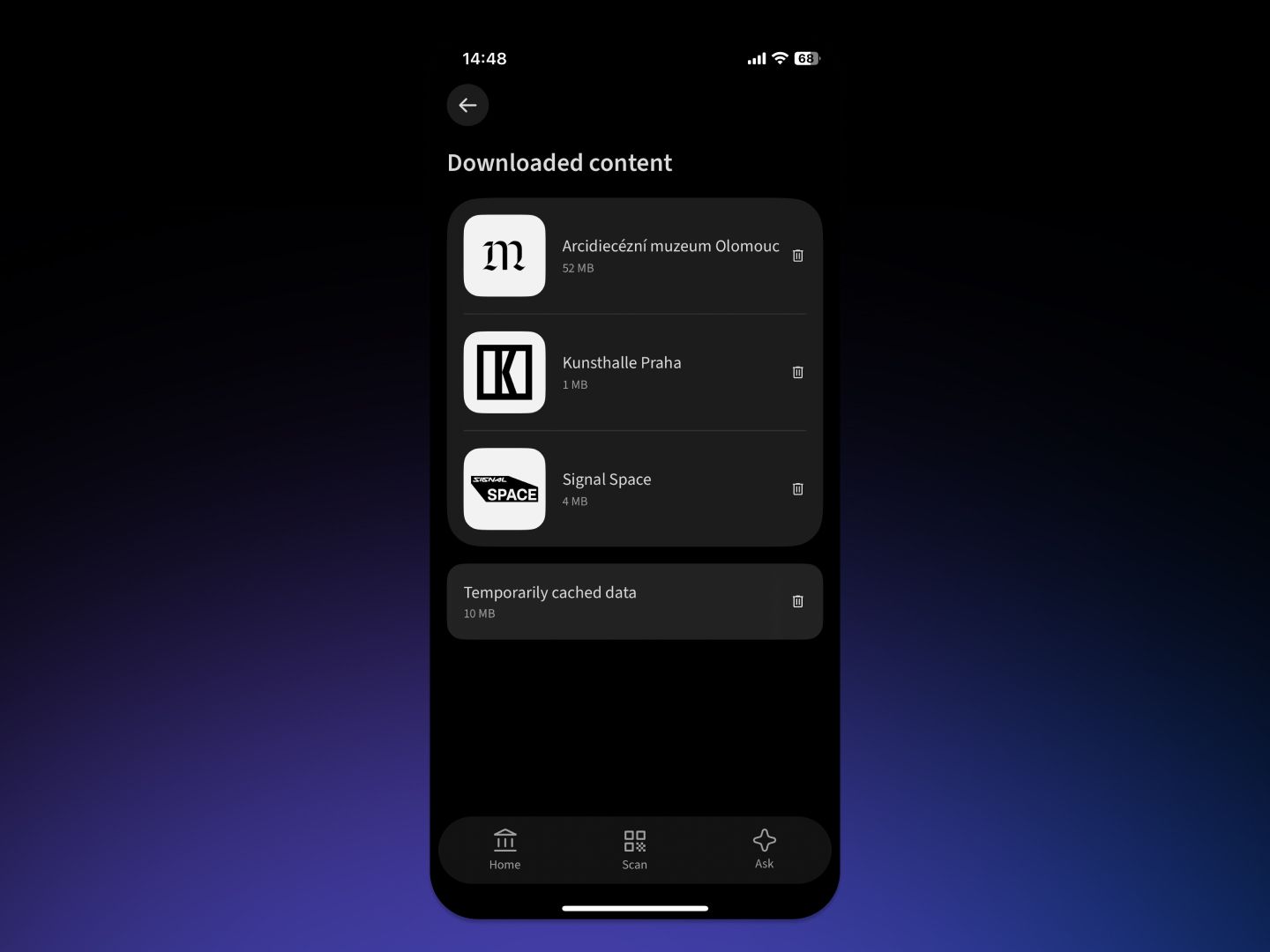
Managing downloaded content in the app settings.
How to activate the download recommendation
Offline mode is available automatically to all mobile app users. It's up to visitors whether they download the data in advance or not. If your building has poor internet coverage, you can let them know and display a download recommendation on the profile.
- Sign in to Cabinet Studio
- Go to the Museum → General
- Turn on the toggle “Recommend downloading content for offline mode”
- Save your changes
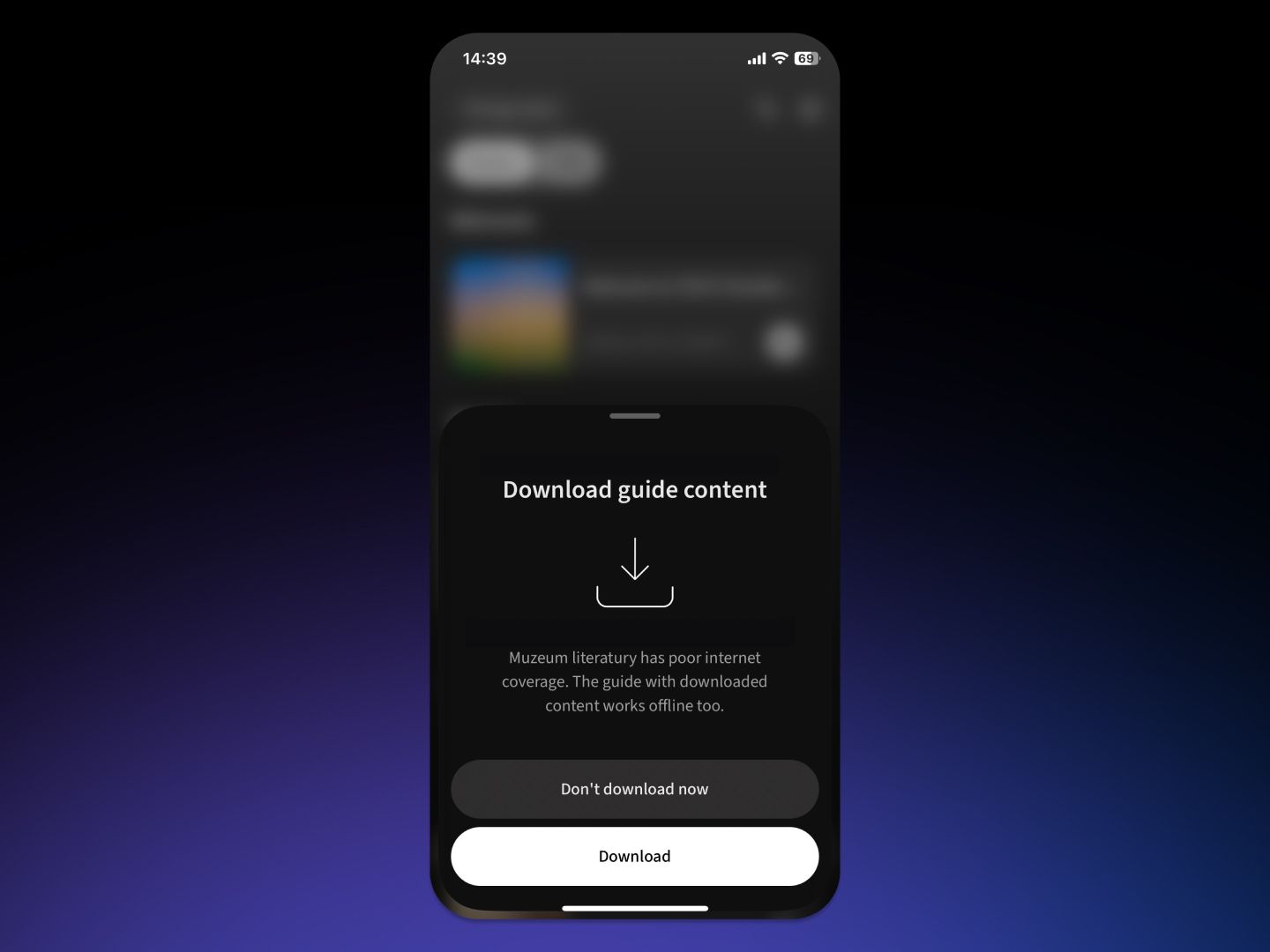
The download recommendation for the guide content. The dialog appears to visitors if you activate it in Cabinet Studio.
When offline mode comes in handy
Imagine a Baroque palace with thick stone walls where you only get mobile signal by the windows. Or an exhibition in underground spaces with no Wi-Fi installed. These are exactly the situations where offline mode ensures the guide works without interruption.
Even where mobile signal works well, data through your carrier isn't always a given. Not every visitor has an unlimited data plan, and tourists from countries outside the EU often travel with data roaming switched off. Downloading the guide over Wi-Fi in the entrance hall opens up the entire exhibition for them, with no worries about the connection bill.
Good to know
The app updates downloaded data automatically every time it connects to the internet. But if you're editing guide content in Cabinet Studio while checking the result in the mobile app, keep in mind that the app may display an older cached version. To see the latest changes, just pull down on the place's profile screen. That triggers a data refresh.
An audio guide you can rely on
Offline mode adds a key feature to Cabinet of Wonders — reliability in any conditions. Visitors who download the guide can be sure it will work throughout their visit. And you can be sure that the effort you've put into preparing the content won't go to waste because of a weak signal.